
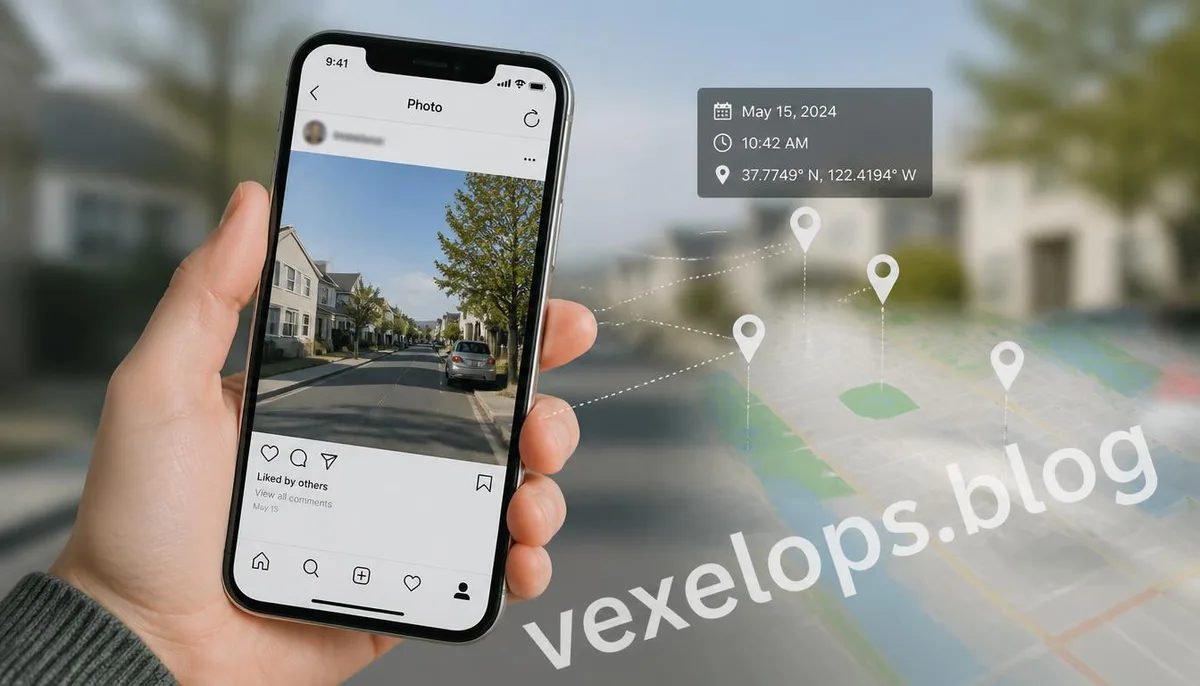
You may not have considered that the photos you post daily on Instagram, Facebook, or send to friends reveal more than just the subject matter. A photo taken in a café may seem like a simple way to share what you drank today; a photo taken at home might just be a record of a new arrangement in your room. But if familiar streets, store signs, external views, or recognizable landmarks appear in the photo, others may gradually narrow down your location based on these details. It's also worth noting that in addition to visible content, photos can contain invisible information. Apple states that when an iPhone camera is allowed to use location services, the shooting coordinates may be embedded in the photo's metadata; Google Photos can also infer your location based on the landmarks present in the image.
How Much Location Information Can One Photo Reveal?
The most direct clues usually lie within the photo itself. Suppose you're photographing a street; if the image contains store names, road signs, stations, buildings, or specific landmarks, a person familiar with the area could deduce your approximate location based on this information. Additionally, if the same photo shows road directions, nearby shops, or cityscapes, the area of judgment could be further narrowed down. This method doesn’t necessarily require any special tools. Text in the photo, architectural styles, public facilities, traffic signs, and even seasonal scenery can all serve as clues. Google Photos also reminds us that even if no location information is shared when posting a photo, others might still guess the shooting location based on identifiable landmarks in the image. What's more interesting is that if a person consistently posts photos from the same area, a single photo may not reveal much, but collectively, they could create a more complete picture of an individual's daily activities. For instance, a café that one visits every morning, street scenes captured in the evening, and parks frequented on weekends can cumulatively expose activity zones more
Your Photo May Also Conceal Location Data You Can't See
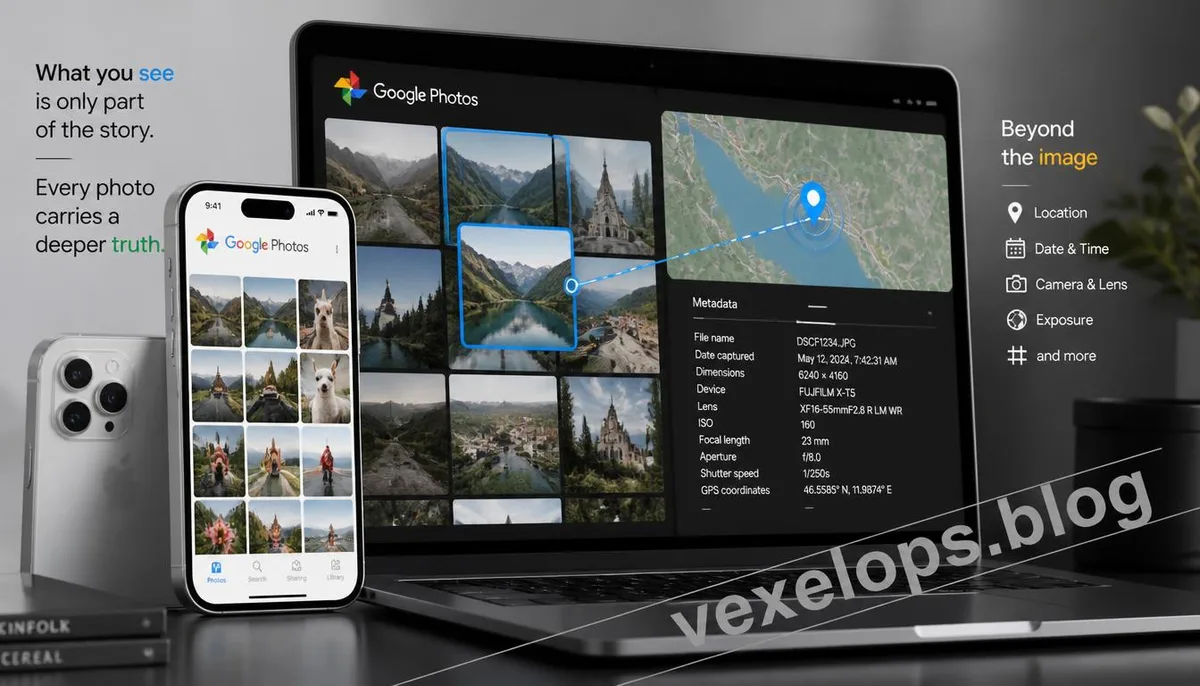
In addition to the visible content, the photo file may contain metadata like EXIF. This data can log the device used to take the photo, time, camera details, and in some contexts, it may include GPS location. Apple indicates that when cameras have location service permissions, the shooting coordinates can be embedded in both photos and videos. This is why claiming that "I didn’t write the address on the photo" doesn’t mean the photo is devoid of location information. If the original photo still retains the relevant metadata, and you share the original file directly, the recipient may have the opportunity to view this data. The situation with Google Photos is even more noteworthy. Google explains that a photo's location may come from the location data stored by the camera or be estimated by Google Photos based on landmarks or other photo information; the way location data is shared may vary in different circumstances. Therefore, before sharing a photo, it’s good to be aware of the following:
- Whether the photo was automatically recorded with GPS by a mobile camera
- Whether the original file still contains GPS metadata
- Whether the shared image is an original or processed by the platform
- If the recipient actually needs to know the shooting location
How Do Google Photos and Apple Photos Handle Photo Location?
Both Google Photos and Apple Photos offer functionalities for managing photo location information; however, their handling methods and usage scenarios differ. According to Google Photos, location information isn't shared publicly by default; users can see if a photo contains location data and control the sharing of location information in certain scenarios. However, if a photo is shared via a method other than Google Photos, for instance, by downloading the original file and then sending it through another service, the originally stored location information may still be present. Apple allows users to turn off location information during photo sharing and to remove the specific location data of selected photos in the "Photos" app on iPhone or iPad. If you want to prevent future location information collection by your camera, you can adjust the location service permissions for the camera. If you often take photos with an iPhone, it’s wise to check the location settings in the "Share" options before sharing; if you use Google Photos, verify whether the photo itself contains location data and which sharing method you are currently using. These steps may seem minor, but they can
What Details Are Most Easily Overlooked Before Posting Photos?
What is most easily overlooked is not GPS but the details of your life. You might think that the store names, street scenes, or nearby buildings in your photos are just background elements, but for those familiar with the area, this information could be enough to narrow down the location. For instance, if you take a photo by your window where a distinctive building is visible in the background, then share another photo the next week showing a café in the same area; a few days later, you post a picture taken during a nighttime walk that features the same road. Each photo viewed alone may not pose a problem, but collectively, they could form a more coherent activity trail. Before posting a photo, you can quickly perform a reverse check:
- Check if the photo contains an address, house number, or road sign.
- Look for easily recognizable landmarks or stores in the background.
- Verify if it exposes fixed locations like a view outside your home or community entrance.
- Check whether the photo may contain GPS or other location metadata.
- If location data is unnecessary, decide whether to remove or disable the relevant settings.
This doesn’t mean all photos should remain private; it just allows you to make a judgment before posting. Especially for public accounts, if the same person frequently shares everyday life photos, it’s the cumulative information from multiple photos that poses a genuine risk.
You Don’t Need to Stop Sharing Photos, Just Know What You’re Sharing
Photos themselves aren’t dangerous; the issue usually lies in users not knowing what information their photos contain. If you’re only sharing travel photos with family, the risks are inherently different from posting on a public social platform; for public accounts, work accounts, or content frequently viewed by strangers, it’s crucial to pay attention to fixed locations and lifestyle habits in your photos. Both Apple and Google provide ways to manage location information, so there’s no need to stop taking photos entirely due to privacy fears. A more practical approach is to understand the current settings on your device and photo services, and confirm them once more before posting. A good habit to form is separating the thoughts of "posting a photo" from "sharing a location." You may want to share adventures, food, pets, or daily life, but that doesn’t mean you need to disclose the exact locations of where the photos were taken.
Common Questions About Privacy when Sharing Photos
If I delete the location information on a photo, will I definitely not be found?
Not necessarily. Deleting GPS or other location metadata can reduce the risk of the photo carrying precise location information, but it doesn’t eliminate visual clues left by the photo itself. Google reminds us that even if the photo’s location data isn’t shared, others can still guess the shooting location based on landmarks and other contents. If the image contains very recognizable store signs, distinctive buildings, street names, or other identifiable information, others could still potentially identify it through public data. Therefore, protecting photo locations shouldn’t solely rely on deleting EXIF data; the photo itself should also be thoroughly checked.
Will Instagram or other social platforms automatically make GPS information public?
You can’t assume all platforms behave the same way. Different services handle photo metadata differently in terms of sharing and users’ settings, and whether you’re uploading the image directly, sharing an original file, or sending it through another service can affect what data remains stored. Thus, the safest practice isn’t to assume that "the platform will automatically delete my location data"; rather, it is to check the origin and sharing settings of your photos first. If the images involve sensitive locations like your home or workplace, never take the platform’s default behavior as absolute protection for your privacy.
If I just want to share everyday photos, do I need to turn off the location feature entirely?
Not necessarily. Whether to disable camera location services depends on your needs for location functionality in your photos. For some, retaining location data may be necessary to organize travel photos by their shooting locations; if you rarely use maps to organize photos but often publish content, you might consider reducing how your camera records locations. Apple provides options to disable camera location services and remove location information during photo sharing; Google also offers management functionalities related to photo locations and sharing. So, it’s not about understanding the issue as either "everything on" or "everything off". A more reasonable approach is to choose based on the photo's purpose: for private storage, keeping location data may be helpful for organization, while for public sharing, it’s best to confirm whether sharing location is genuinely necessary.
One Key Takeaway: A photo doesn’t necessarily expose your address directly, but the clues accumulated from GPS data, landmarks, and multiple lifestyle photos can allow others to gradually infer your activity range.