
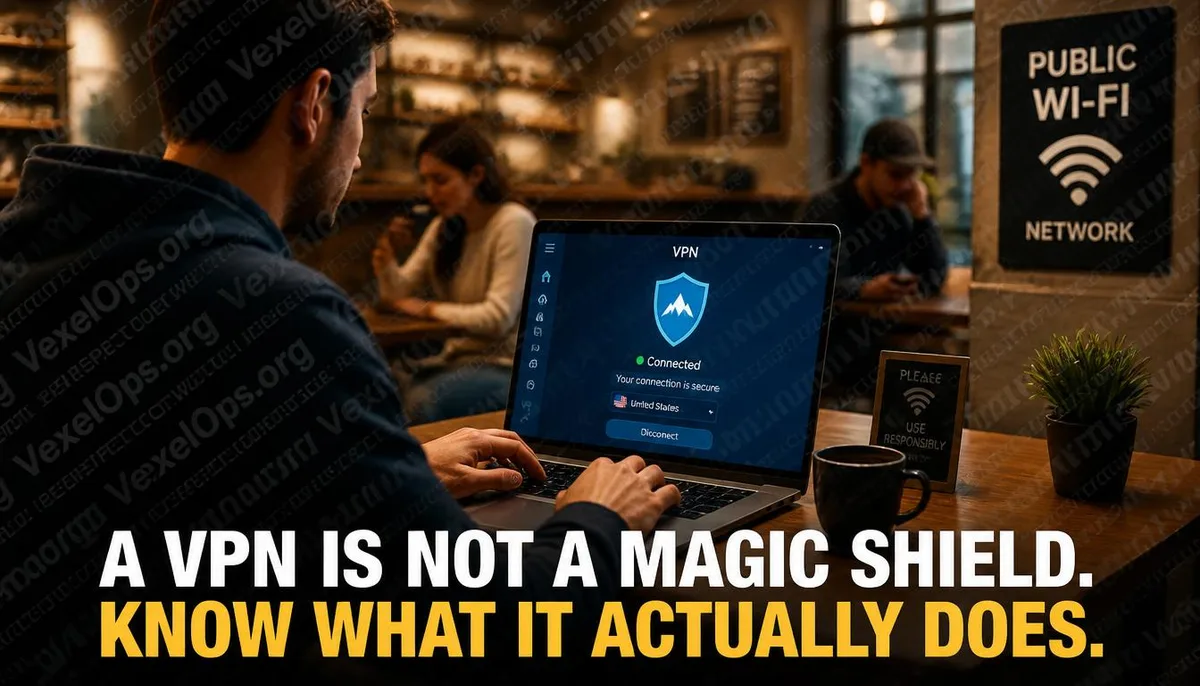
Everyone is talking about VPNs, but few really know what they do
VPNs are heavily advertised everywhere. In YouTube videos, podcasts, and tech media sidebar ads, someone is always telling you that as long as you install their VPN, your online activities will be completely private: hackers can’t see you, advertisers can’t track you, and no one knows what you’re doing. There is some truth to this, but only partially. A VPN is an effective tool, but it has very clear limitations, and advertisements often only share the positive aspects. Before deciding whether or not to use a VPN, or which VPN service to choose, it’s important to understand what this tool actually does to make an informed choice that meets your needs.
What VPNs actually do
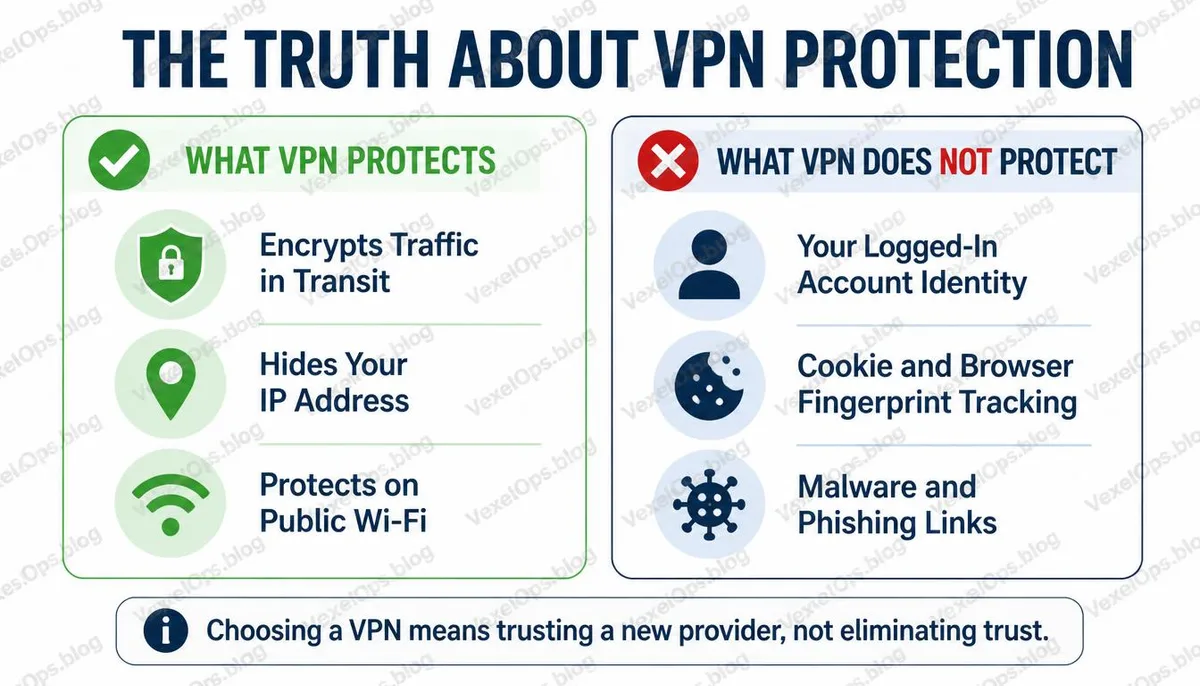
The core function of a VPN is to create an encrypted tunnel between your device and the VPN server, making it difficult for third parties to read or intercept your data while in transit. This results in several specific effects: Hide Your Real IP Address When connecting via a VPN, the IP address shown to the outside world is that of the VPN server, not your actual Internet address. This makes it difficult for the websites you visit to determine your location based on your IP address. Encrypt Local Network Traffic In a public Wi-Fi context, VPNs prevent other users on the same network from intercepting your data. This is one of the most significant protective features of using a VPN in public settings. Make Internet Service Providers Unable to See the Websites You Visit Without a VPN, your Internet Service Provider can see which domains you visit. With a VPN, this information is encrypted, so the provider only sees the connection to the VPN server.
What VPNs cannot do
This is a part that many people do not fully understand. VPNs do not make you anonymous on websites When you log into services like Google, Facebook, or any site requiring an account, those platforms know who you are, regardless of your IP address. A VPN only changes your IP address, not your account identity. VPNs cannot prevent cookie and browser fingerprint tracking Advertisers and analytics services have long since stopped relying solely on IP addresses to track users. Tracking mechanisms like cookies, browser fingerprints, and login statuses still operate completely when a VPN is active. VPNs do not protect you from malware If you download malicious software or click on phishing links, a VPN will not prevent these threats; it only encrypts data during transmission without filtering content safety. VPNs transfer trust from your ISP to the VPN provider Using a VPN does not mean that no one knows your online activities; it simply transfers this knowledge from your ISP to the VPN provider. This means that choosing a VPN provider is a serious decision that requires thoughtful consideration.
Key Considerations Before Choosing a VPN Service
No-Log Policy and Independent Audits VPN providers often claim they do not log user activity, which is one of the most emphasized features when choosing a VPN. However, claims are not guarantees; what truly matters is whether this policy has been audited by an independent third party, and if the audit reports are publicly accessible. Some well-known VPN services have previously provided user data under legal requests, despite claiming to have a no-log policy. Jurisdiction of the Company The country where the VPN provider is located determines which jurisdiction's laws apply to it and what obligations it must fulfill when receiving government requests. Some users consider whether the service provider is in a country without mandatory data retention laws when choosing a VPN. Transparency of the Business Model Free VPN services must be approached with caution since there are clear operational costs associated with providing VPN services. If a service is free, the business model often implies that user data itself is the product. Some free VPNs have been found to collect and sell users’ traffic data, which contradicts the very purpose of using a VPN. ##Connection Speed
Common Questions About VPNs
Is it legal to use a VPN in Taiwan?
In Taiwan, using a VPN is not illegal; it is a legitimate internet tool used by many businesses and individuals to secure internet connections and access geographically restricted content. The legality of VPNs is separate from the activities you conduct through them; using a legitimate tool for illegal activities is still illegal, and a VPN does not change that legal relationship. Different countries have varying regulations regarding VPNs, so if you use a VPN in another country, be sure to verify local regulations.
What’s the difference between using a VPN on mobile and on a computer?
When using a VPN on iOS and Android devices, it protects the data transmitted over the internet, but keep in mind that apps on mobile devices may sometimes return data through channels other than the VPN, such as operating system-level services. Additionally, mobile location information can come from sources other than the IP address; GPS, cell tower triangulation, and Wi-Fi positioning can confirm your location without relying on your IP. Using a VPN on mobile still has its value, but its effectiveness for location privacy is limited.
Does using a VPN alongside Tor provide stronger privacy protection?
VPNs and Tor each have different privacy protection mechanisms; using them together can provide additional layers of protection in certain situations, but this combination also adds complexity and may not be suitable in every case. Tor routes traffic through multiple nodes to hide the user’s origin, offering higher anonymity but slower speeds. Using Tor over a VPN can prevent the VPN provider from seeing that you are using Tor, but it also adds to the overall connection complexity. For general privacy needs, choosing a trustworthy VPN service is usually sufficient; Tor is better suited for specific situations requiring higher anonymity.
One Key Takeaway: A VPN is an effective tool but with clear limitations. It can protect your traffic from being intercepted by intermediaries and hide your real IP address, but it cannot make you anonymous on services that require account login, nor can it prevent cookie tracking. Understanding what it can and cannot do is essential to determine if it truly solves your problem.