
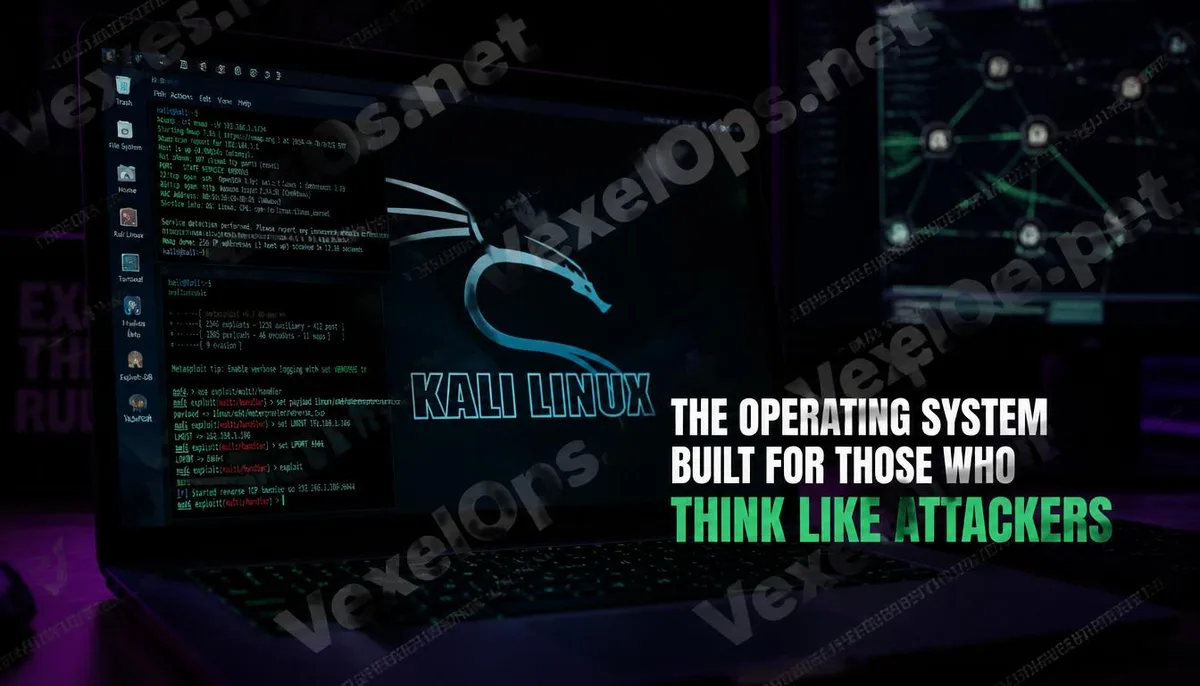
This operating system is standard equipment in the cybersecurity world
In the learning and working environment of information security, there is one thing that is almost a consensus: every person serious about this field will eventually install Kali Linux on their computer at least once. Not because it is the only choice, but because it prepares the environment needed for security work. You don’t need to spend time searching for, installing, and configuring various tools; almost all the tools you might use in penetration testing, network analysis, digital forensics, and vulnerability research are pre-installed in a single operating system. Kali Linux is a Linux distribution developed and maintained by Offensive Security based on Debian, available for free. Its design goal has been clear from the beginning: it is not a general-purpose operating system for everyday use, but a working environment specifically created for security professionals.
What will you see when you open Kali Linux?
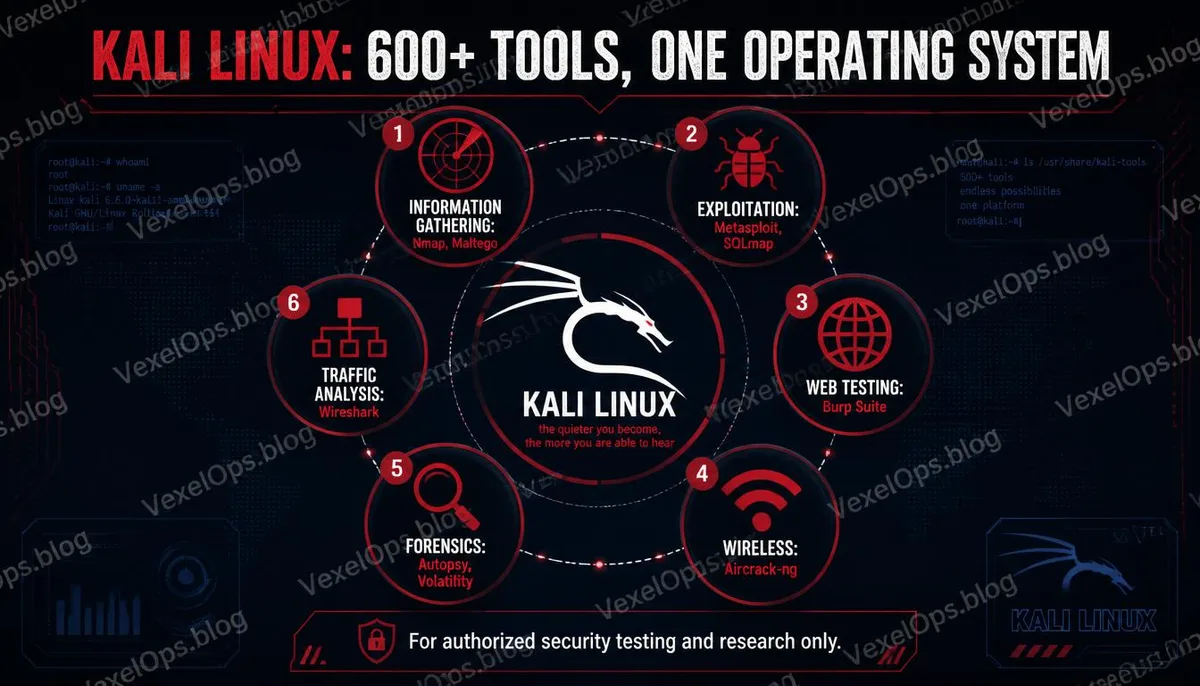
Kali Linux comes pre-installed with over six hundred security tools, covering various stages of penetration testing. During the information gathering phase, Nmap is used to scan network devices and services, Maltego is used for visualizing target relationships, and theHarvester is used to collect public email and domain information related to the target organization. This set of tools allows testers to have a clear overview of the target environment before formal testing begins. In the vulnerability analysis and exploitation stage, Metasploit Framework serves as the core framework, Burp Suite is used for web application testing, and SQLmap is used to test for SQL Injection vulnerabilities in databases. These tools have been introduced in previous articles, and they are all pre-installed and ready for use in Kali Linux. For network analysis, Wireshark and tcpdump allow testers to capture and analyze network traffic, while Aircrack-ng is specifically used for testing the security of wireless networks. Digital forensics tools are also included, with Autopsy being a full-featured digital forensics platform used to analyze data on storage devices, and Volatility is used to analyze
Why is it considered the standard environment for security professionals?
One unique aspect of security work is that it requires rapid switching between different testing scenarios, each of which may need a completely different combination of tools. On a regular operating system, this means spending a lot of time installing various tools, managing dependencies, and troubleshooting conflicts. Kali Linux addresses this problem. It integrates the tools effectively, allowing users to focus their energy on actual security testing and analysis rather than setting up the environment. More importantly, it has formed a common foundational environment within the security community; educational resources, courses, and CTF competition problem explanations almost always use Kali Linux as the default operating environment, greatly enhancing the interoperability of learning resources.
What distinguishes it from ordinary Linux distributions?
The difference between Kali Linux and general-purpose Linux distributions like Ubuntu or Debian is not just the pre-installed software. Kali Linux’s default settings are tailored for security testing environments; some configurations might not be optimal for everyday use scenarios, but they are reasonable in a testing environment. Its package repository includes a vast number of security tools that do not appear in general distributions, and the update frequency is optimized to maintain the versions of tools effectively. Offensive Security also maintains versions for different hardware platforms, including an ARM version that runs on Raspberry Pi, and versions designed specifically for mobile device testing. This allows security professionals to use a familiar toolset across various hardware environments. A common misconception is that using Kali Linux itself implies doing illegal activities. Kali Linux is a toolkit, much like a carpenter’s toolbox; the nature of the toolbox does not determine the legality of the work, but rather how you use those tools and who you use them on. Using Kali Linux in your own testing environment, in authorized penetration testing work, or in
Common Questions from Beginners About Using and Learning Kali Linux
Can someone with no Linux background start with Kali Linux?
Technically, yes, but it might not be the most efficient path. The design of Kali Linux assumes that users have a certain level of familiarity with basic Linux operations, including the basics of command-line usage, file system structure, and package management concepts. If these basics are not well understood, facing the toolkit of Kali Linux directly can easily overwhelm you with an abundance of unfamiliar concepts before you even get started. A more advisable path would be to spend some time becoming familiar with a friendlier Linux distribution like Ubuntu or Debian, and build basic Linux operational skills before transitioning to Kali Linux; that process will be much smoother and easier to see progress.
What are the various ways to install Kali Linux on Windows, and which is best for beginners?
Currently, there are several common installation methods, each suited to different scenarios. The virtual machine approach is the most common entry-level method, using VirtualBox or VMware to create an independent virtual environment on Windows to run Kali Linux. The advantage of this method is low risk; mistakes in operation will not affect the main Windows system, and snapshots and restorations can be created at any time. The Windows Subsystem for Linux provides a way to run Kali Linux command line commands within the Windows environment, suitable for scenarios where command-line tools are needed, but some tools that require a graphical interface or direct access to network hardware may have limitations. The Live USB method involves installing Kali Linux on a USB device and booting from the USB, making no modifications to the hard drive, which is suited for scenarios where usage across different computers is needed. For beginners, the virtual machine method provides the best balance between safety and full functionality.
Can tools on Kali Linux be used to test my home network?
Testing networks and devices that you own is legal in most areas. Scanning your home router with Nmap, analyzing traffic on your network with Wireshark, and testing the strength of your Wi-Fi password with Aircrack-ng are all reasonable ways to understand your network's security status. It is important to note the boundaries; your home network may connect to devices owned by others, such as a neighbor’s devices showing up in your network scan results. Performing any operations beyond passive scanning on these devices that you do not own would cross into requiring authorization. Testing your own environment is a reasonable learning path, but it is crucial to be clear about what you have the rights to test and what you do not.
One Key Takeaway: Kali Linux is not just a tool for hackers; it is a working environment used by cybersecurity professionals to understand the attackers' perspective. Understanding how attackers think is the foundation for effective defense.