
Your Password Habits Might Be More Dangerous Than You Think
Most people manage their passwords by rotating a few fixed passwords across different platforms, occasionally adding a number like one or two to comply with password change requirements. This habit was barely manageable in an era with fewer accounts, but today, when a typical person may use dozens of online services, it poses one of the most obvious weaknesses in account security. Once any platform using the same password experiences a data breach, attackers will immediately try that password across other common services like Gmail, Facebook, Instagram, and online banking. This method is known as credential stuffing, and its effectiveness is entirely reliant on people's habit of reusing passwords. Password managers address this issue.
What Are Password Managers Actually Doing?
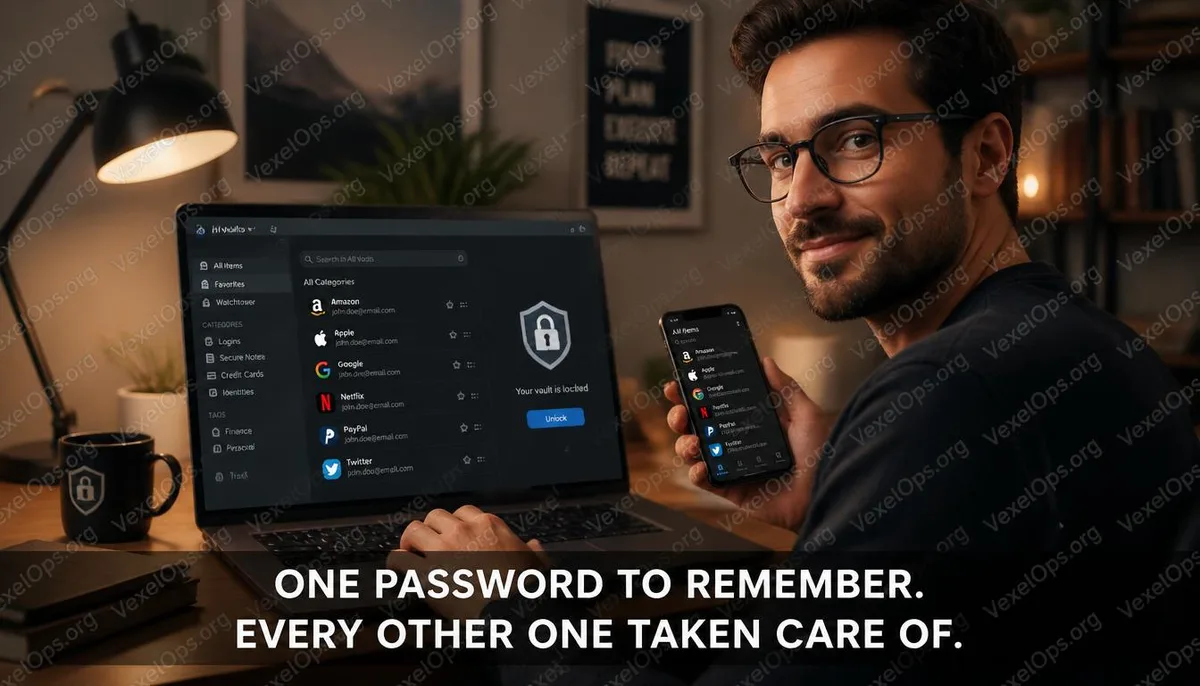
The core function of a password manager is to generate and store a unique, high-strength random password for each service you use, allowing you to remember no passwords and avoid reusing the same password across different platforms. You only need to remember one master password to unlock the password manager itself; all other passwords are managed by it. When you need to log into a website, the password manager automatically fills in the corresponding username and password for you. The whole process occurs in the background and can be faster than typing in passwords manually. The way data is stored varies by service, but mainstream password managers use end-to-end encryption, meaning your passwords cannot be read by the service provider during transmission and storage. The master password only exists on your device and is never sent to any server.
What Are the Differences in Positioning Among LastPass, 1Password, and Bitwarden?
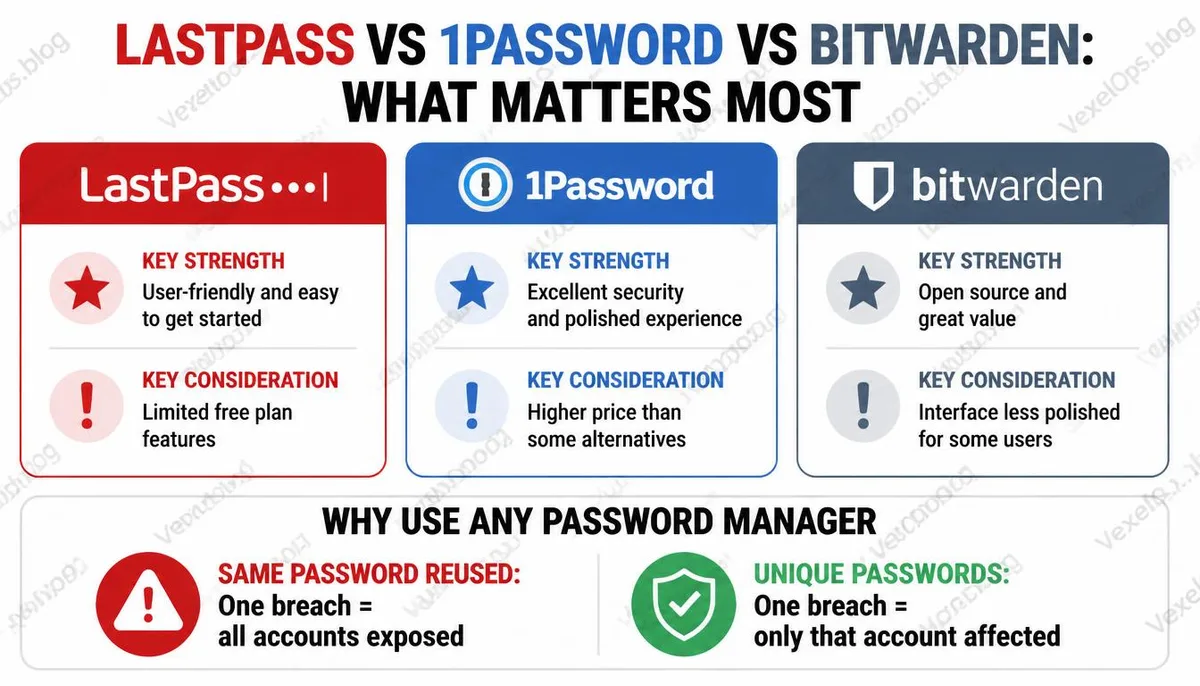
These three names frequently come up in discussions about password managers, but their target user needs differ significantly. LastPass was once one of the most widely used password managers, with a relatively complete free version attracting many users. However, a data breach in 2022 severely impacted its reputation. Attackers obtained users' encrypted vault backups, and while the encryption itself was not compromised, this incident revealed some design decision flaws in its security architecture. Users still on LastPass should seriously assess their potential risks, especially if the strength of their master password is low. 1Password is generally rated higher in terms of security architecture design within the cybersecurity community. It employs an additional protection mechanism called a secret key; without this key, the vault data remains undecryptable even if obtained. The interface is user-friendly, and it offers full cross-platform support, but it lacks a free version and is the only paid service among the three options. For users willing to pay for security tools, it is currently one of the most stable options available in the market. Bitwarden is an open-source
Before Choosing a Password Manager, Make Sure to Confirm the Following
Brand comparisons are typically the most emphasized aspect of discussions about selecting a password manager, but several more fundamental questions deserve consideration first. On which devices do you primarily use the manager? Are you within the Apple ecosystem with iPhone and Mac, or do you have a mixed environment of Android and Windows? The completeness of cross-platform support directly impacts everyday usability. Do you need to share some passwords with family or teams? Different services exhibit significant differences in their sharing functionalities. How comfortable are you with cloud synchronization? Are you willing to store your vault on a third-party server, or do you prefer self-hosting? Bitwarden offers the option to set up your server, which is a choice not available with other services for users with specific needs.
Key Questions Users Frequently Search About Choosing and Securing Password Managers
What If My Password Manager Gets Hacked? Won't All My Passwords Be Leaked?
This is one of the most common arguments against using password managers, but it has a logical flaw in its premise. Even if a password manager experiences a data breach, what attackers obtain is an encrypted vault of passwords, which can only be decrypted with your master password, and the master password is never transmitted to any server. As long as your master password is strong and not reused elsewhere, decrypting the encrypted vault is computationally extremely difficult. In contrast, if you currently use the same password across various platforms, a breach on any one platform equates to exposing all accounts simultaneously. This risk is much more immediate than the risk of a password manager being compromised.
Is the Free Version of Bitwarden Sufficient, or Do I Need to Upgrade?
For individual users, Bitwarden's free version already covers the core functions in a very complete manner. Unlimited password storage, cross-device synchronization, browser autofill, and secure notes are all available in the free version. The paid version primarily adds advanced two-step verification options, encrypted file attachment features, emergency access functionality, and priority customer support. If your need is just to manage account passwords and ensure each platform uses an independent strong password, the free version should adequately meet this core requirement.
What If I Forget My Master Password? Can the Password Manager Help Me Retrieve It?
The design principle of most password managers is that even the service provider cannot know your master password, as it is never transmitted or stored in a readable form on their servers. This means that if you forget your master password, the service provider cannot help you recover it. This design is part of the security architecture and is not a flaw in the service. Different services handle this situation differently. 1Password offers a recovery mechanism through a secret key and emergency contact functionality, while Bitwarden has an export option for the account encryption key for backup purposes. Taking the time to understand the recovery mechanism of the chosen service when starting to use a password manager and following recommendations to create backups is an important step that is often overlooked.
One Key Takeaway: The password manager addresses not a complex technical issue, but a behavioral habit problem: it transforms the nearly impossible task of manually managing independent strong passwords for each account into a daily habit that requires almost no extra effort.